

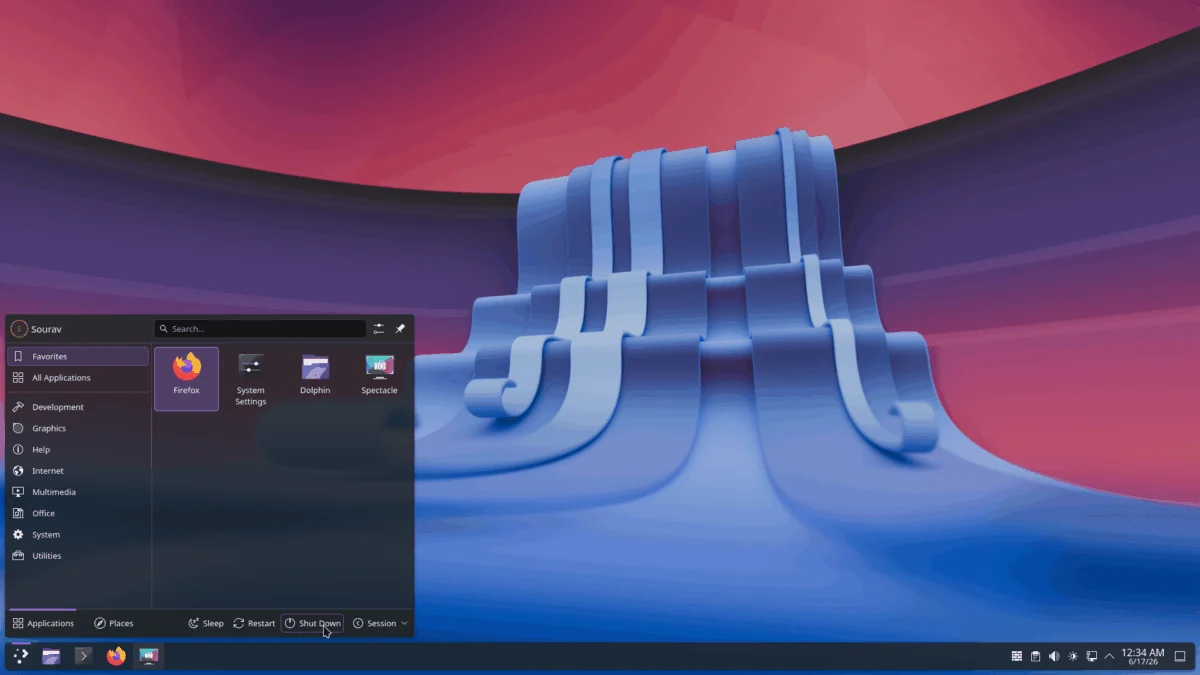
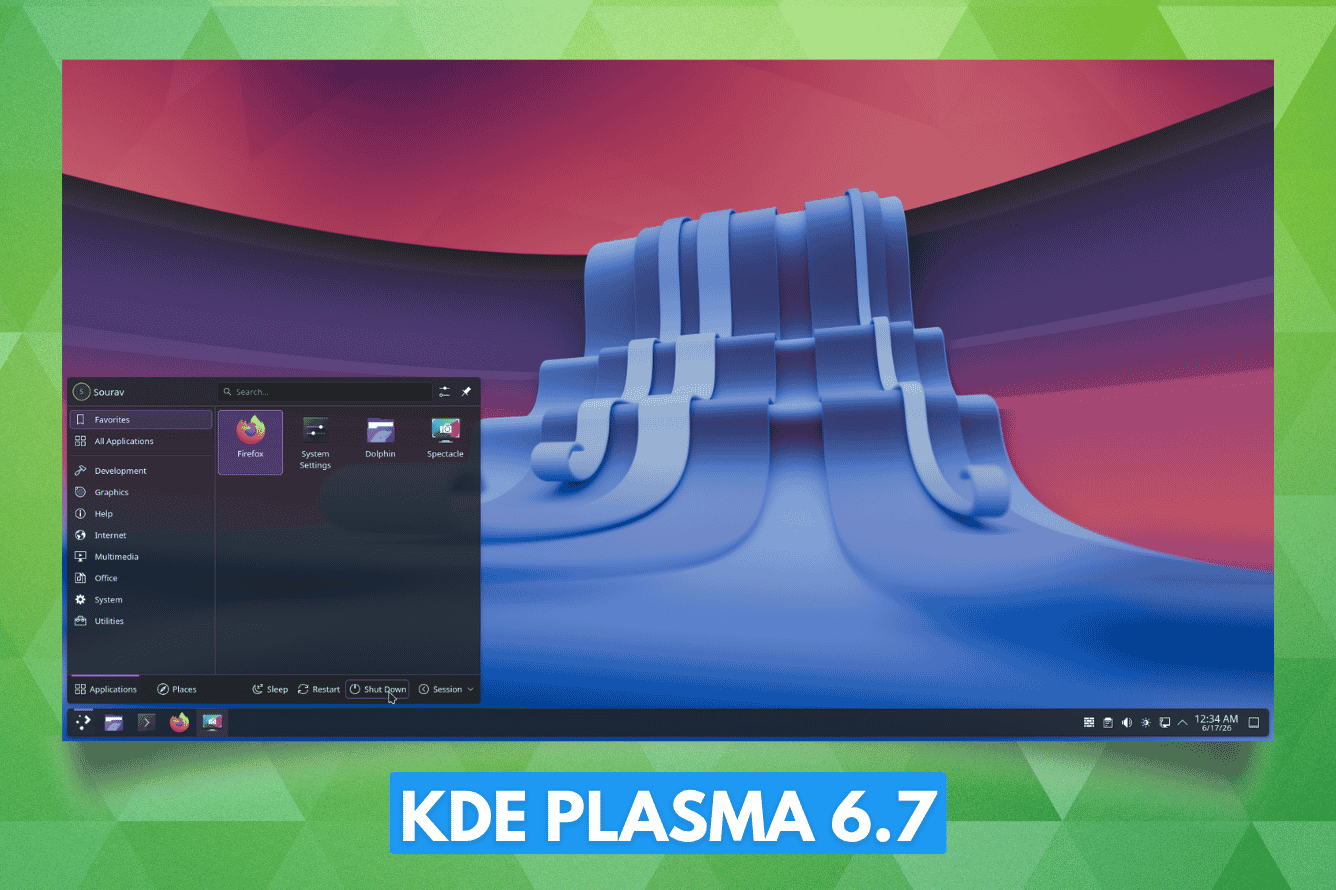
As the KDE community prepares to celebrate its monumental 30th anniversary this October, the project’s development cycle has reached a fever pitch. In a move that balances modern technical ambition with a profound respect for its heritage, the KDE team has officially released Plasma 6.7. This update serves as a critical milestone, offering a blend of long-requested productivity features, the revival of iconic visual aesthetics, and a forward-looking foundation for the desktop environment’s future.
Dedicated to the memory of Eric Laffoon—a cherished, long-time contributor who passed away in May—this release stands as a testament to the community-driven spirit that has sustained KDE for three decades.
Main Facts: The Pulse of Plasma 6.7
Plasma 6.7 arrives as a comprehensive refinement package. While it does not introduce a massive paradigm shift like the transition to Plasma 6.0 did, it significantly polishes the user experience (UX) to make the desktop feel more intuitive and responsive.
Usability and Quality-of-Life (QoL)
- Enhanced Virtual Keyboard: Users of touch-enabled devices or those relying on the virtual keyboard will notice a streamlined experience. Long-pressing a key now instantly surfaces special characters, eliminating the need to navigate through auxiliary symbol menus.
- Discover Overhaul: The KDE Discover software center has received a visual and functional tune-up. The "Install" button is now more prominent, and application descriptions have been enriched with clearer, more actionable metadata to help users make informed decisions.
- Printing Workflow: Plasma 6.7 introduces a more robust print queue management system. The system tray icon now intelligently tracks active print jobs, providing real-time feedback. Furthermore, networking improvements now allow for nearly seamless discovery and connection to shared printers on Windows-based networks.
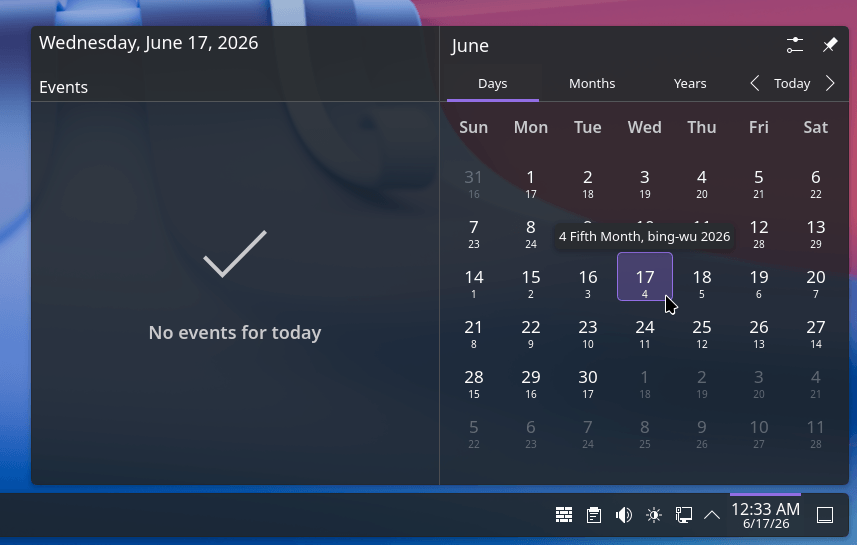
- Cultural Inclusion: Building on its international support, the desktop now includes the Vietnamese lunar calendar, broadening the accessibility of KDE’s native calendar tools for users worldwide.
- Dark Mode Toggles: For those who utilize custom Global Themes, the system now features an instant light-to-dark toggle within the "Brightness & Color" quick settings, allowing for rapid environmental adjustments.
Chronology: From KDE 4 to the Modern Era
To understand the weight of the changes in Plasma 6.7, one must look back at the project’s timeline.
- 2008–2014: The KDE 4 era defined the "Oxygen" and "Air" design languages. Oxygen, with its iconic glass-like buttons and depth, became the standard-bearer for the desktop.
- April 2026: Initial reports emerged regarding a massive community-led restoration project aimed at porting these classic aesthetics to the modern Plasma 6 architecture.
- June 2026: The official release of Plasma 6.7 brings these efforts to fruition, integrating the themes as full-fledged, adaptive Global Themes.
- October 2026 (Upcoming): The KDE 30th Anniversary celebration is set to occur, alongside the anticipated release of Plasma 6.8, which is expected to finally finalize the transition away from the X11 display server protocol.
The restoration of Oxygen and Air is not merely a coat of paint; it is an act of historical preservation. The developers have meticulously updated the assets to support modern adaptive opacity, reworked panels, and new icon designs that bridge the gap between 2008 design philosophies and 2026 display standards.
Supporting Data: Feature Depth and Technical Shifts
Beyond aesthetics, the technical underpinnings of Plasma 6.7 show significant maturation.
Per-Screen Virtual Desktops
Perhaps the most celebrated feature in this release—and one that boasts a history of 21 years of user requests—is the implementation of per-screen virtual desktops.
Previously, Plasma treated virtual desktops as a global entity; switching a desktop on one monitor forced a switch on all connected displays. This was a point of significant friction for power users with multi-monitor setups. In Plasma 6.7, users can configure independent virtual desktops for each monitor, allowing for granular control over workspace management. This is coupled with a faster, more fluid navigation experience: using Super+W to open the Overview and utilizing Page Up/Down or simple mouse scrolling, users can cycle through tasks with unprecedented speed.

The "Union" Theming System: A Future-Proof Foundation
A major pain point for theme developers in the Linux ecosystem has been the fragmentation of styling toolkits. Plasma 6.7 introduces Union, a new theming architecture.
The goal of Union is to unify the disparate styling methods for QtQuick, QtWidgets, and core Plasma elements into a single CSS-based system. By standardizing these files, the team aims to reduce the overhead for theme creators, who currently have to write three separate sets of styles for a single visual theme. While currently a tech preview and disabled by default, Union represents the future of KDE’s UI consistency.
Official Responses and Community Sentiment
The reception to the release has been overwhelmingly positive, particularly regarding the restoration of the "classic" feel. KDE lead developers noted during the announcement that the restoration of Oxygen was a "labor of love," intended not just to look back, but to prove that the current Plasma architecture is flexible enough to accommodate any design language, past or present.
The decision to dedicate the release to Eric Laffoon has also resonated deeply within the community. Forums and social media channels have been filled with tributes, highlighting how the "human side" of open-source development is what keeps the project moving forward even after three decades.
Implications: Where Does KDE Go From Here?
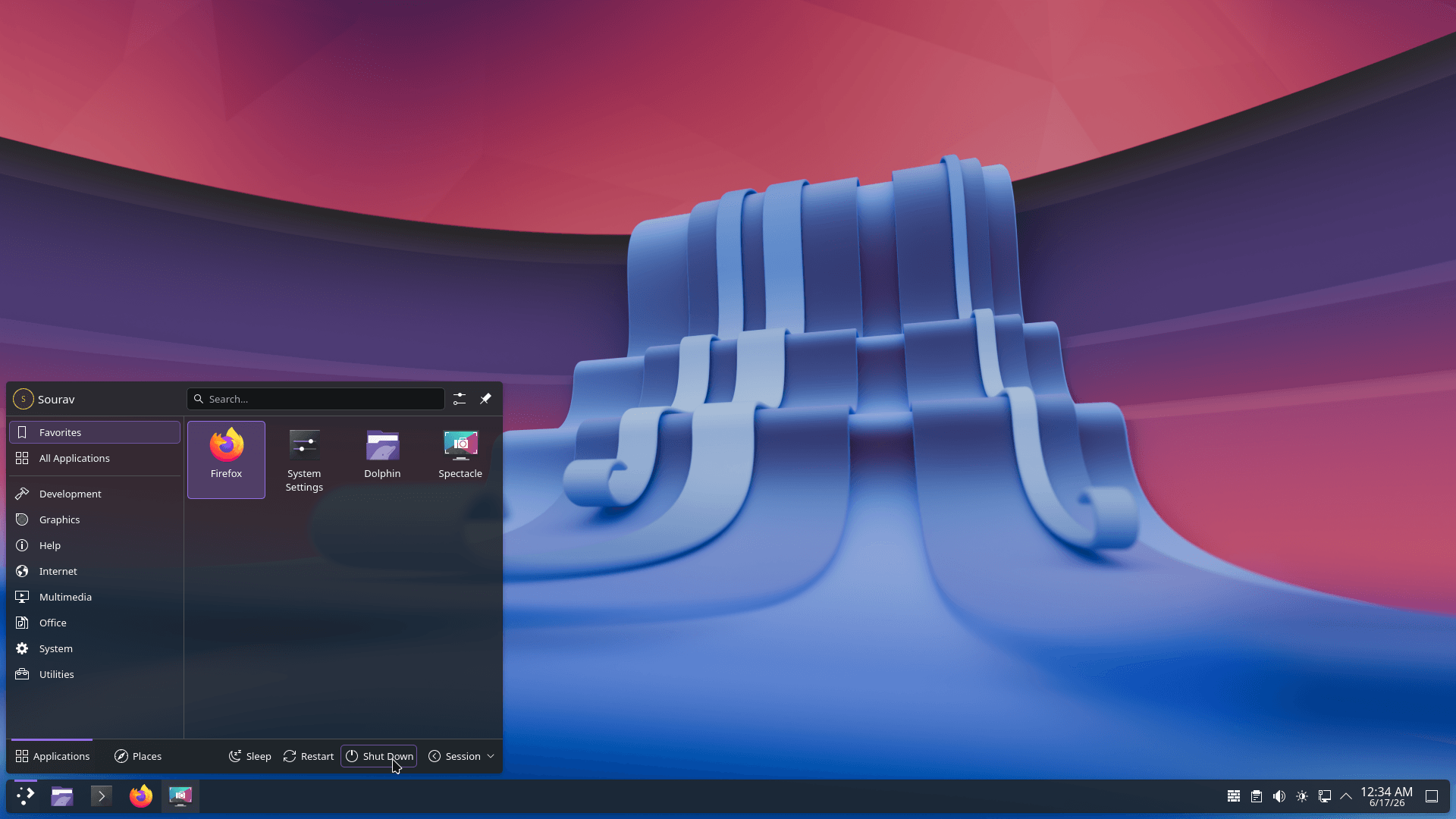
The release of Plasma 6.7 acts as a strategic "anchor" release. By stabilizing the user interface and refining the workflow, the KDE team is creating a buffer zone before the massive transition to an X11-free world in Plasma 6.8.
1. The Death of X11
The focus on Wayland-only performance is the unspoken narrative of the last few releases. With 6.7, the "rough edges" of Wayland support have been sanded down, making the transition for the final holdouts of the legacy X11 display server easier than ever. The success of these refinements will determine how smoothly the user base migrates during the upcoming 6.8 release.
2. Standardization
The introduction of the Union theming system implies that KDE is looking to decrease its maintenance burden. As the project grows, the ability to maintain a consistent look across increasingly complex applications becomes harder; by moving toward a CSS-centric model, KDE is aligning itself with broader industry standards for UI design.
3. The Anniversary Milestone
October’s 30th anniversary is not just a party; it is a signal of longevity. While many desktop environments have risen and fallen over the last thirty years, KDE’s ability to reinvent its core technology (moving from KDE 4 to 5, and now 6) while keeping its core philosophy of user-choice intact remains its greatest strength.
How to Access Plasma 6.7
For those eager to experience the latest refinements, the distribution path is dictated by your choice of operating system:
- Rolling Release Enthusiasts: Users of Arch Linux, EndeavourOS, and openSUSE Tumbleweed should receive the update via their standard repository syncs within the coming days.
- Testing and Evaluation: If you are on a fixed-release distribution (like Debian or Ubuntu) but wish to explore the new features without altering your primary system, the KDE Neon User Edition remains the gold standard. It provides the most immediate access to the latest Plasma builds, directly from the source.
- Building from Source: For developers or power users, the source code for 6.7 is available on the official KDE repository.
As we look toward the 30th-anniversary celebration in October, Plasma 6.7 provides a stable, nostalgic, and deeply capable platform. It is a desktop that acknowledges its past, respects its contributors, and manages the complexity of the future with a steady hand. Whether you are a long-time user or a newcomer to the Linux desktop, this release offers a refined experience that confirms why KDE remains at the forefront of the open-source movement.
